The below seems to be a workaround for plotting the .tif
gmt image appears capable of correctly making the assigned (NaN) color transparent:
gmt image ds1039-2088da057-1.tif -Gblack+t -R-550/550/-200/375+uk -JOa47E/30N/130/20c+v -DjBL -F+c0/0+pthinnest,red -B -B+gred@90 -png gmt_image_tiff
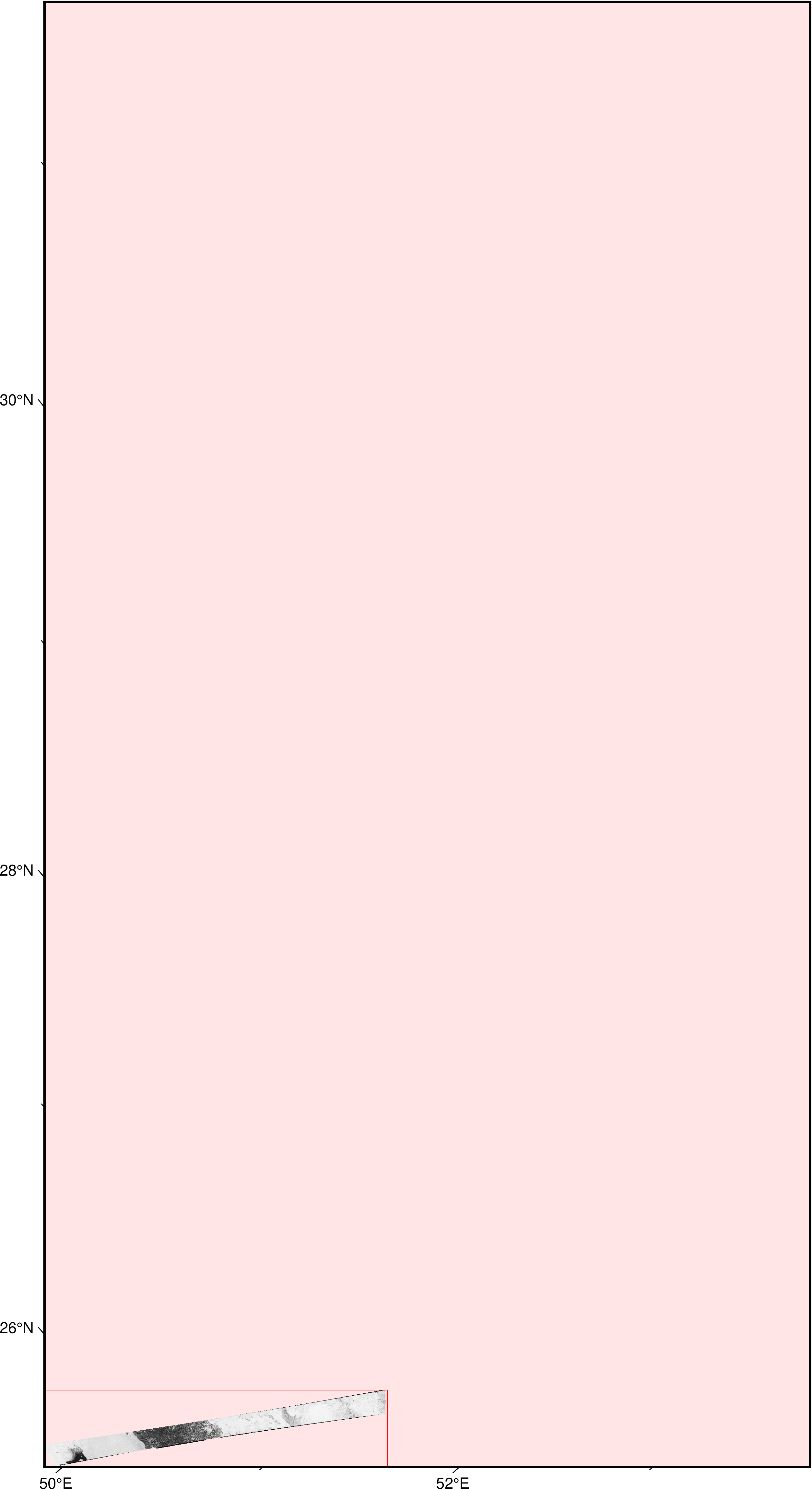
gmt image is apparently not supposed to do reprojection. It just throws the image on the plot.
gmt grdimage (with corresponding settings for psconvert) can be used to generate a georeferenced .tif with background map color matching the source Geotiff’s black background and zero width map frame:
gmt grdimage ds1039-2088da057-1.tif --COLOR_NAN=black -R-550/550/-200/375+uk -JOa47E/30N/130/20c+v -B00 -B+gblack -tif gmt_grdimage_tiff_filled --PS_CONVERT="A,W+g"
The resulting gmt_grdimage_tiff_filled.tif (794.9 KB) is the reprojected image strip on the empty black map background.
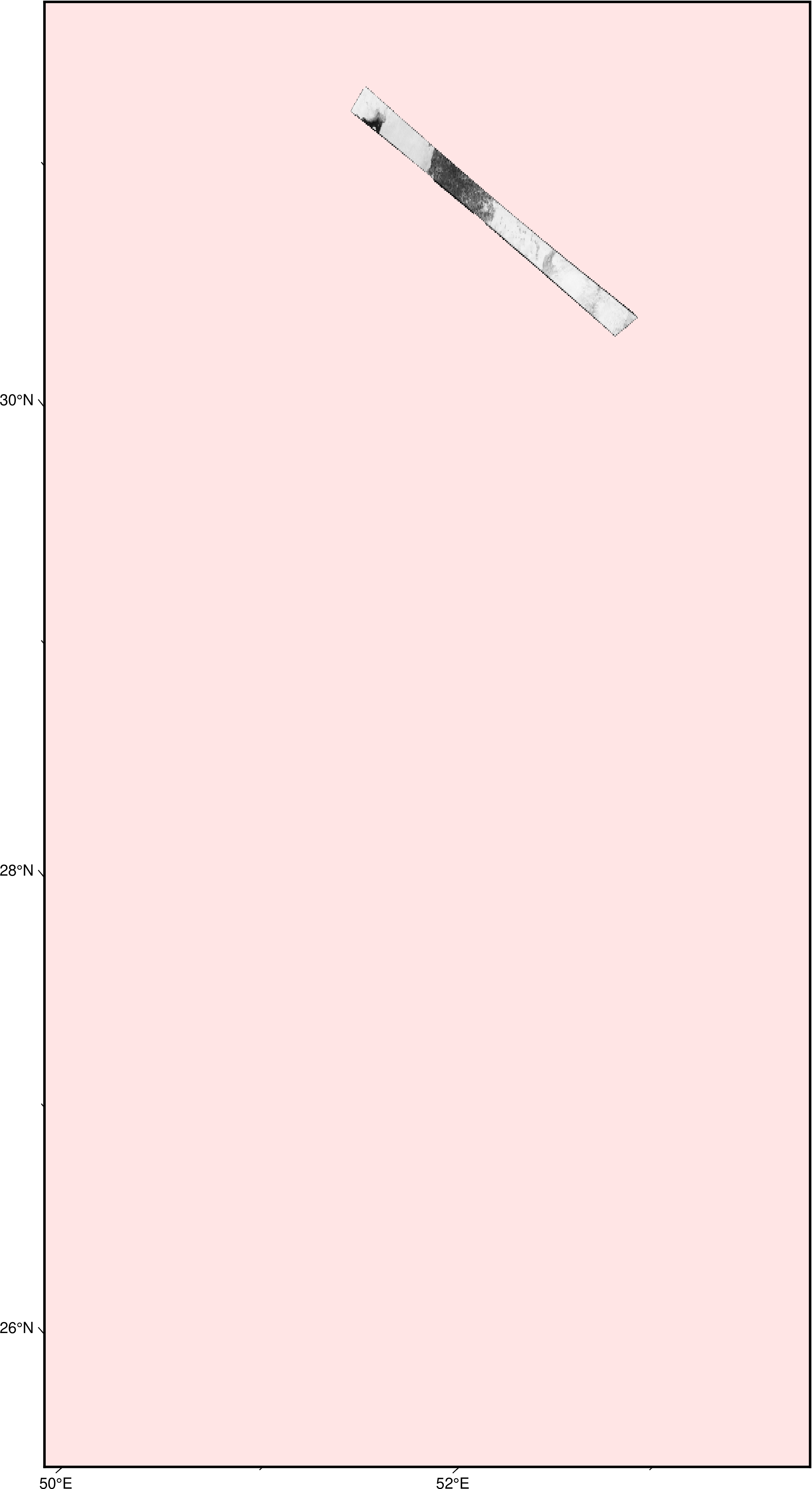
next gmt image call is needed to overlay the new .tif over the background map with black color made transparent: gmt image gmt_grdimage_tiff_filled.tif -Gblack+t -DjBL:
gmt image gmt_grdimage_tiff_filled.tif -Gblack+t -DjBL -R-550/550/-200/375+uk -JOa47E/30N/130/20c+v -B -B+gred@90 -png forum_post
(ds1039-2088da057-1.tif is the downsampled .tif: gdal_translate -tr 0.0026853258162 0.0026853258162 ds1039-2088da057.tif ds1039-2088da057-1.tif)